top of page


PC BUILDS
Workstation/Gaming Desktop PC
 BOM/Component List |  Prepping the parts. (Cryorig CPU Cooler, Intel CPU, Samsung SSD, Asus Motherboard shown, Phanteks case in next photo) |  The case came in! It's a massive full tower, compatible with EATX motherboards --the Phanteks Enthoo Luxe --with RGB and tempered glass! |
|---|---|---|
 Build tested before installing in the case. |  Case assembled. |  Cleaned up the wiring. |
 Ah, that looks better! All the wires are neatly cable managed and bundled. Wish that one 8-pin CPU power cable wasn't so diagonal, though. |  Tested the cases's integrated RGB controller and discovered that, contrary to the specs, it wasn't syncing its RGB LED color patterns with the motherboard's software. |  After some testing, figured out the correct pin arrangement. Turns out, the PCB silkscreen doesn't match standard layouts. |
 Rewired the case lighting. Nice! | 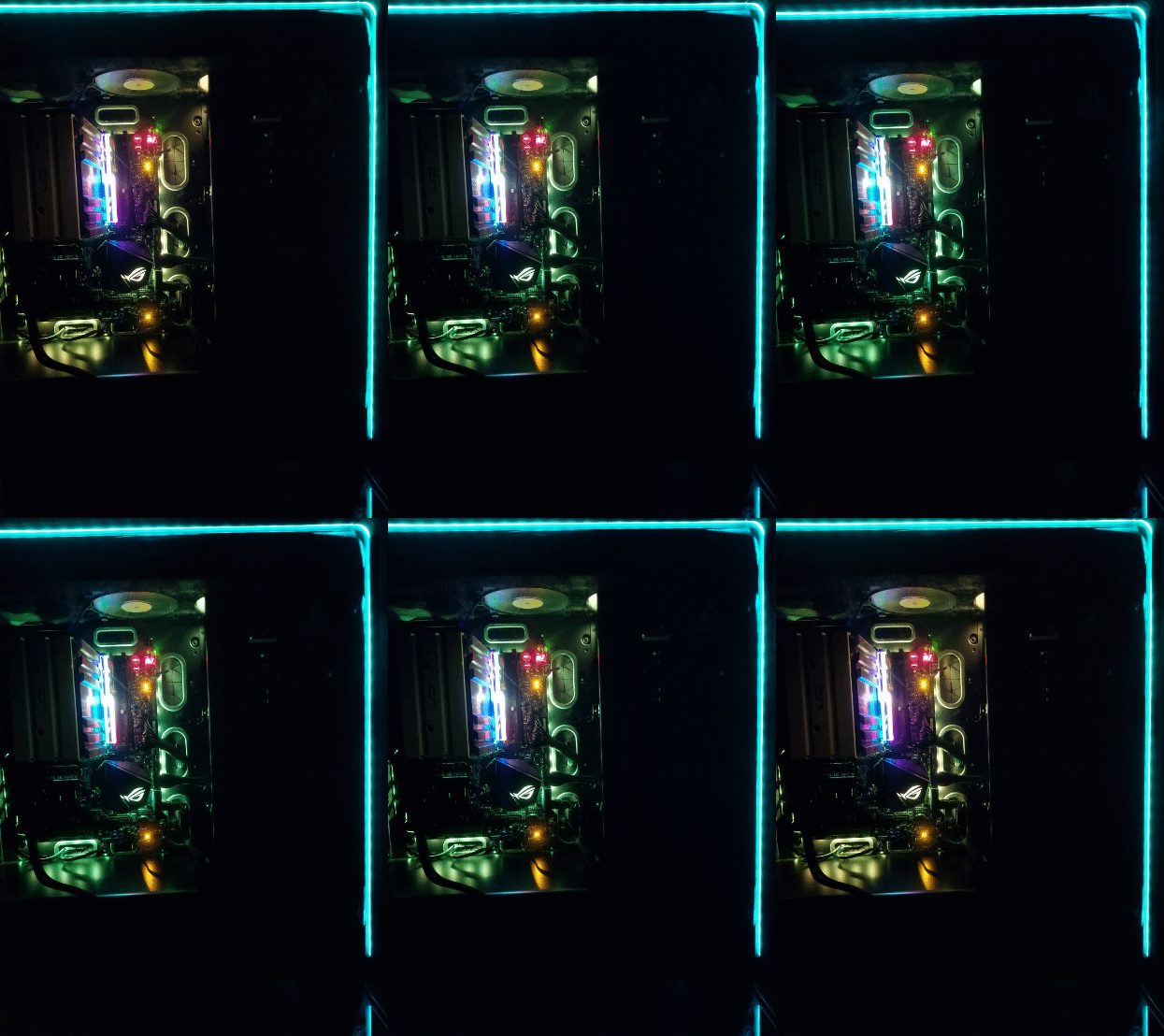 The lighting on the case, fans and RAM sticks is working! Time to kick it up a notch... |  Designing the layout of the fully custom dual-microcontroller individually addressable RGB LED lighting system. It has an audio feedback mode as well as several different lighting effects (see videos below) and can be controlled via IR remote. It also feeds off the computer's PSU 5V rail via Molex connector. |
 Front of the case looks a little bare, time to add decals. |  Oh, yeah! "The Peel" |  Etching some transparent graphics that eventually went on to cover the boring black top of the CPU cooler. |
 Figured with all of this RGB, might as well go full gamer. | 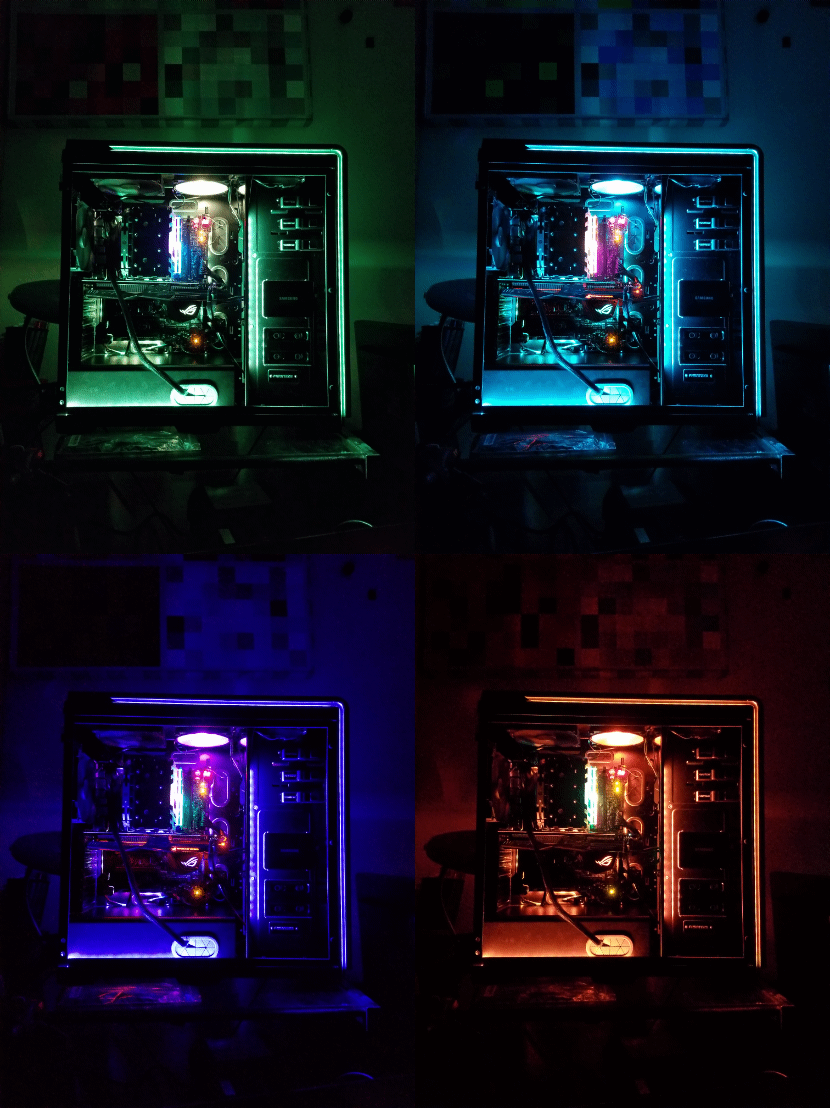 Now, THAT is some beautifully synced case lighting! |  The PC in use |
 Me, proudly sitting atop the case. Don't worry, it is plenty strong enough to handle the weight. Don't want to clog the airflow too much, though! |
Home Theater/Couch Gaming Desktop PC
 This build features AMD's low-cost, but punchy, Ryzen 3-3200G Zen 2 processor on an Asus B450 motherboard. |  The motherboard, SATA SSD, ODD, PSU, and AMD's included Stealth air cooler installed in the ATX Gateway case I chose for this build. |  Booted into the BIOS/UEFI, system POSTed, so tweaks were applied to fan curves and boot priorities, and XMP was enabled. |
|---|---|---|
 The Gateway case had some interesting lighting channels on the exterior, but the white LEDs lacked pizazz, so they were replaced with red lights to match the planned red vinyl decals and the Powercolor Red Devil graphics card installed in the system. |  Using "helping hands" to solder and apply heatshrink to the new lighting. |  All 11 white LEDs were now replaced with red LEDs. The LEDs were carefully paired to ensure even illumination across the lit sections of the case. |
 Removal of the Gateway logo and the old Windows and Intel stickers from the front panel were the beginning of the process of stripping the case exterior clean. |  The ugly serial number sticker needed some WD-40 for encouragement. |  The resulting lighting after the LED swap. |
 Design of the case decals was done using Photoshop. This decal was used as a reference to True Blood by request of the PC's owner. |  Careful arrangement of vinyl decals allows many more to be fit on a single sheet of vinyl before cutting. This way, there is less waste and decals for other projects can be cut at the same time. |  The side panel sanitized, scrubbed and buffed to prep for decals. |
 Application of the decals |  Finished decals |  Decals and OEM stickers applied to the PC's front panel. |
 Pusheen gets #LIT! |  The Gateway logo replaced with an homage to the PC manufacturer in the form of the popular character, Pusheen the cat. |  Not being satisfied with the low brightness of the existing lighting solution, I opted to plan a run of 12V RGB LED strips that are connected to a motherboard header, and can be controlled with Asus's AURA Sync PC lighting software. |
 Running the RGB strips around the PC case. |  The case with the LED strips installed, but only the minimal lighting enabled (can be toggled by physical On/Off switch on case). |  Glam shot of the front panel in full RGB mode! |
 Completed PC! |
bottom of page